This voicebank is in C+V format, and is capable of singing and speaking in English, German, and Japanese. You must select the C+V phonemizer to input lyrics in the software. OpenUTAU is the only recommended editor, do not use standard UTAU. ARPABET/ARPAsing aliased. Read Readme.txt for phonemes and other info.
For German lyrics input, please install the additional German C+V phonemizer created by Cadlaxa. This German C+V has been named "Glockenspiel German(GL DE)" to distinguish if someone else wants to make a true German C+V reclist, because GL DE is intended as an add-on to English.
NOTE: Glockenspiel German C+V phonemizer is currently broken on the latest OU beta. If using OpenUTAU v0.1.569.0, please downgrade to the stable version.
Please be aware that ThammyLOID's mascot character and voicebank has separate Licenses.
This voicebank is paywalled because I do NOT want you to use her. She was the first CVVC voicebank I ever made and she is all sorts of fucked up, I will make a new one eventually. It's only here in case you REALLLYYY want it for some reason. Obviously, DO NOT REDISTRIBUTE!!!! Unless you want a big fat DMCA or Cease and Desist letter. This database is NOT under a creative commons license like the others are.
You can use her commercially or noncommercially just like with regular ThammyLOID.
If you love Thammy, consider donating to my Ko-Fi page!

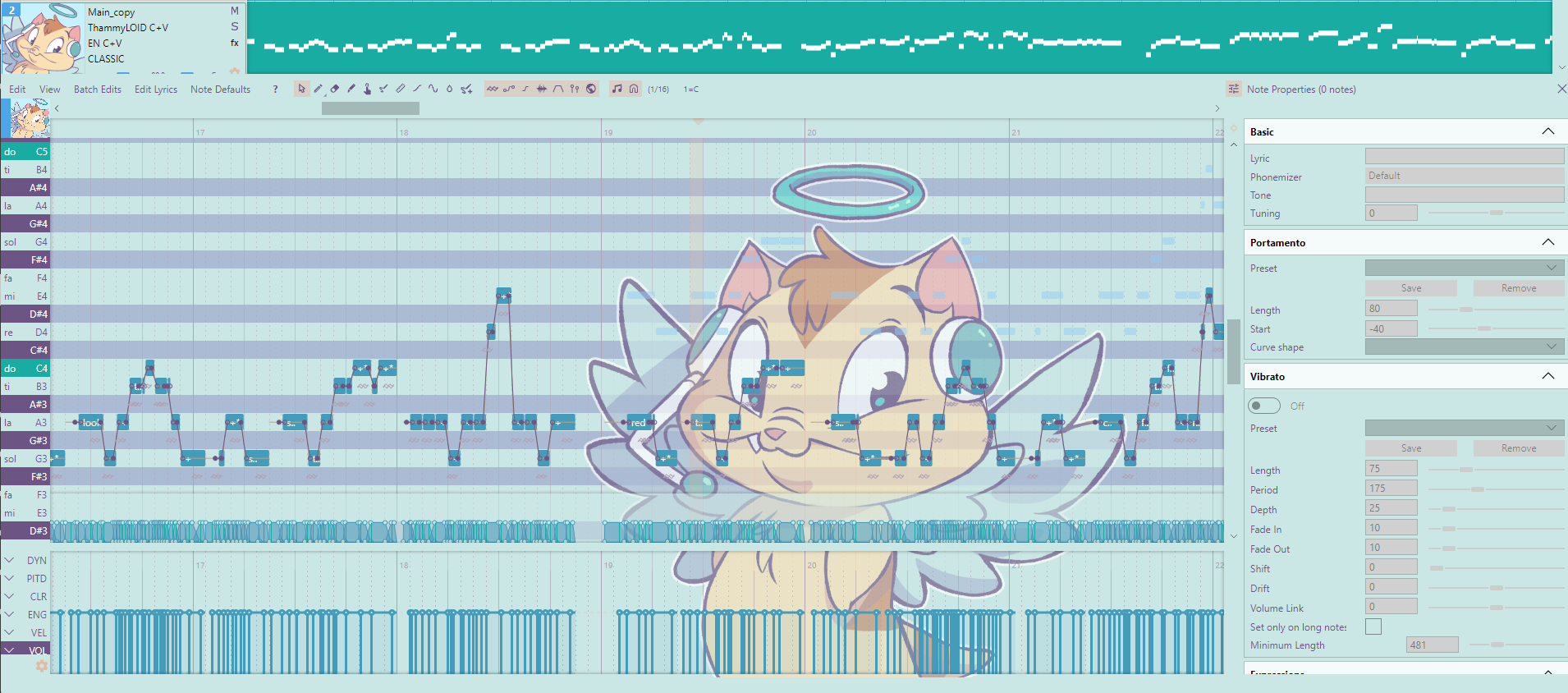
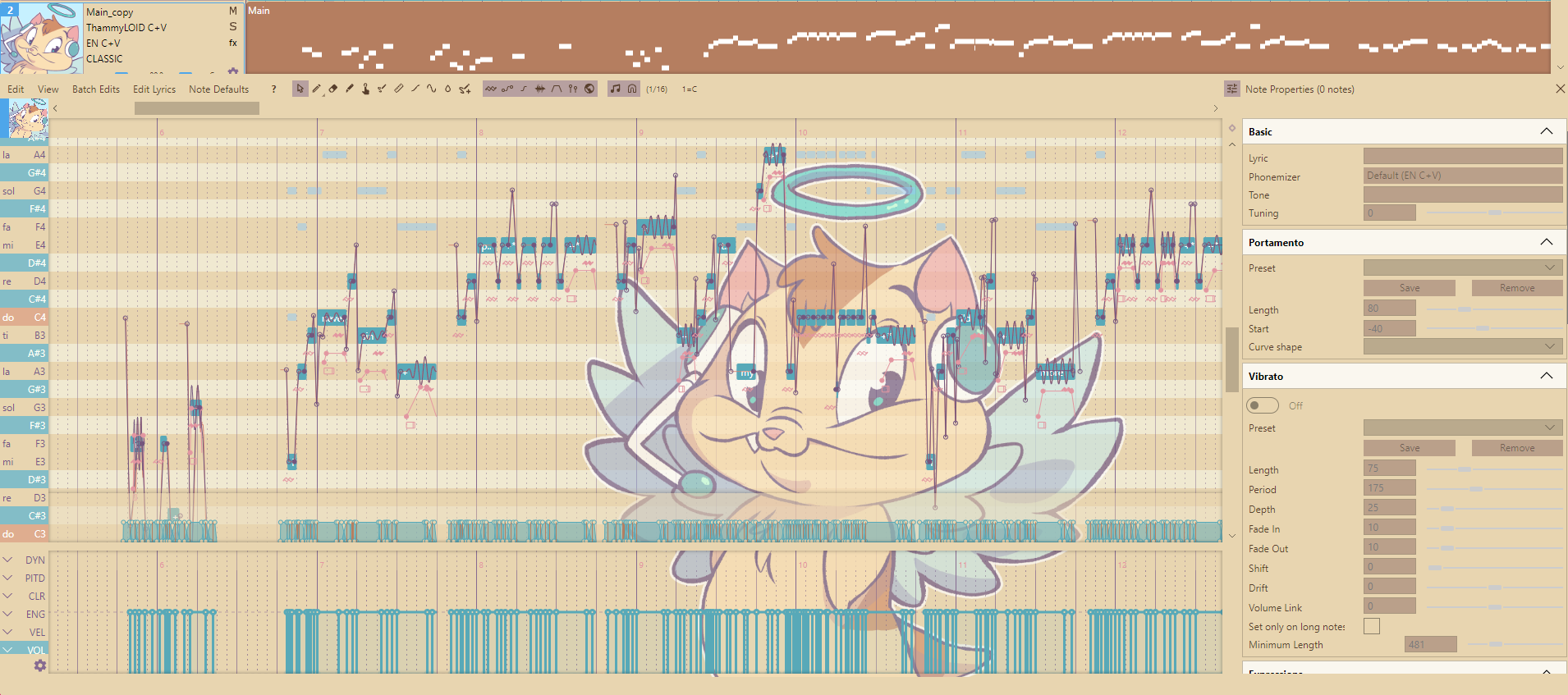
Only works in OpenUTAU's current beta where themes are available. They can also be used in UtauV Emerald. Drag these .yaml files into the "themes" installation folder.
Install OpenUTAU. I recommend Windows x64 Portable. If on an older system, use Windows x86 Portable.
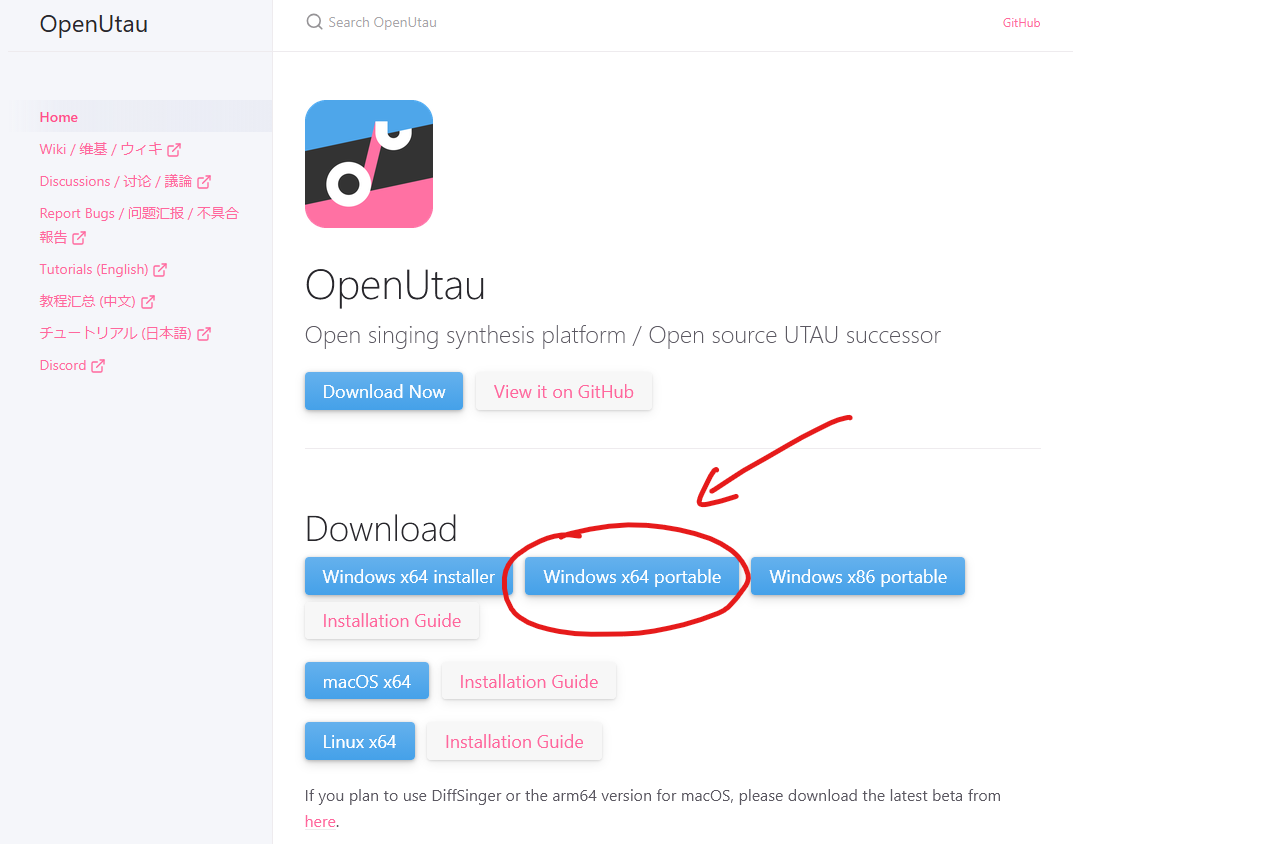
Install OpenUTAU. I recommend Windows x64 Portable. If on an older system, use Windows x86 Portable.
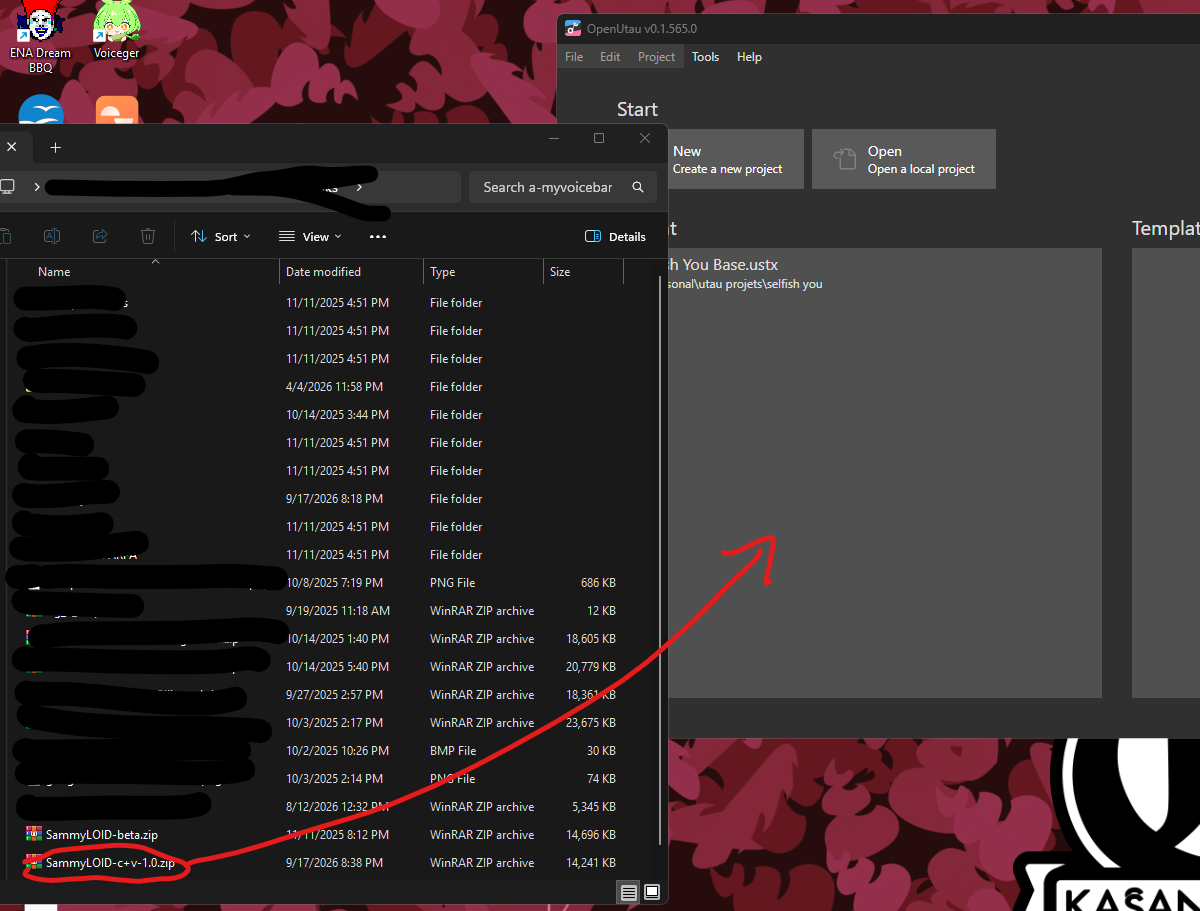
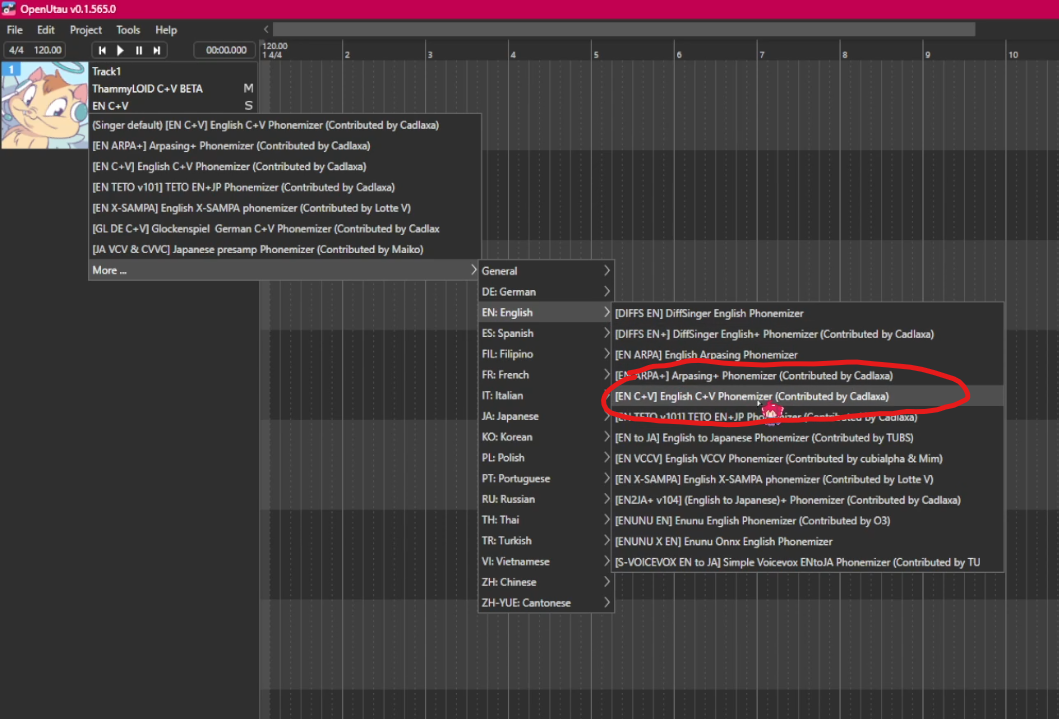
After You've selected ThammyLOID, it should automatically be set to the English C+V phonemizer. In case it hasn't, then select it manually like in the picture. After that, you can input both English and Japanese lyrics. To make her song Japanese, please type in hiragana.
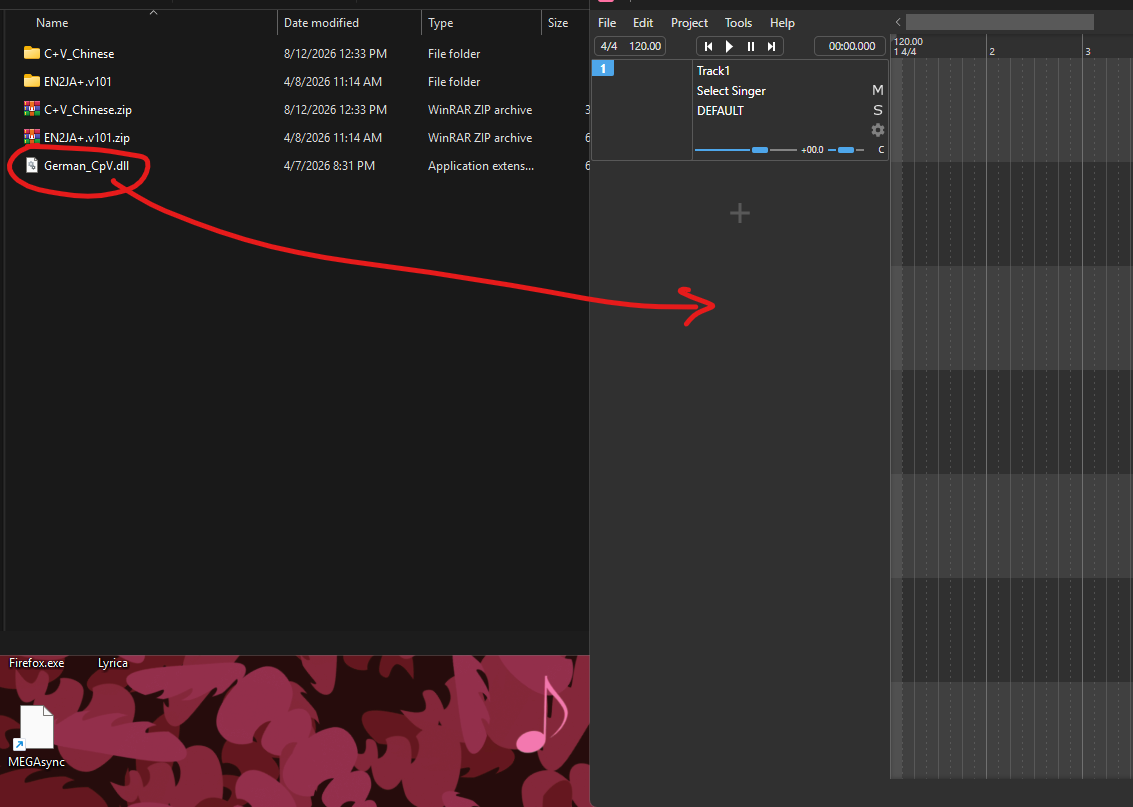
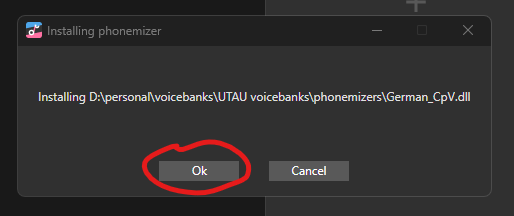
If you want to use Thammy for German, install her custom-made C+V DE phonemizer for German lyrics input. Download the phonemizer and then drag "German_CpV.dll" to OpenUTAU, and press OK to install the plugin. Plugin created by Cadlaxa
NOTE: Glockenspiel German C+V phonemizer is currently broken on the latest OU beta. If using OpenUTAU v0.1.569.0, please downgrade to the stable version. Does not work on Googoloid or any other C+V voicebanks that don't use Thammy's reclist.
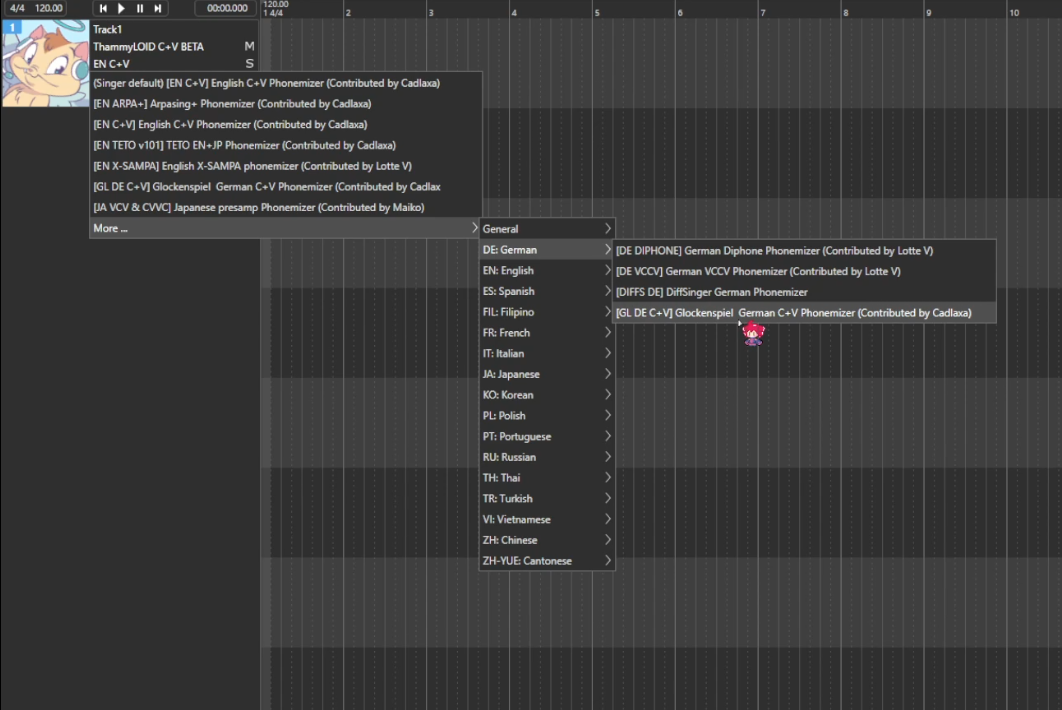
In the DE section of the phonemizer picker, look for "GL DE C+V" and select the correct phonemizer. Now, you can input German lyrics. Please note that you must change the phonemizer every time you want to switch from English to German.
For the best experience, please download other resampler engines to OpenUTAU via this resource. We personally recommend Straycat-RS and Chopsampler for ThammyLOID, but feel free to mix and match.
After installation is complete, don't forget to read the Terms of Use.